

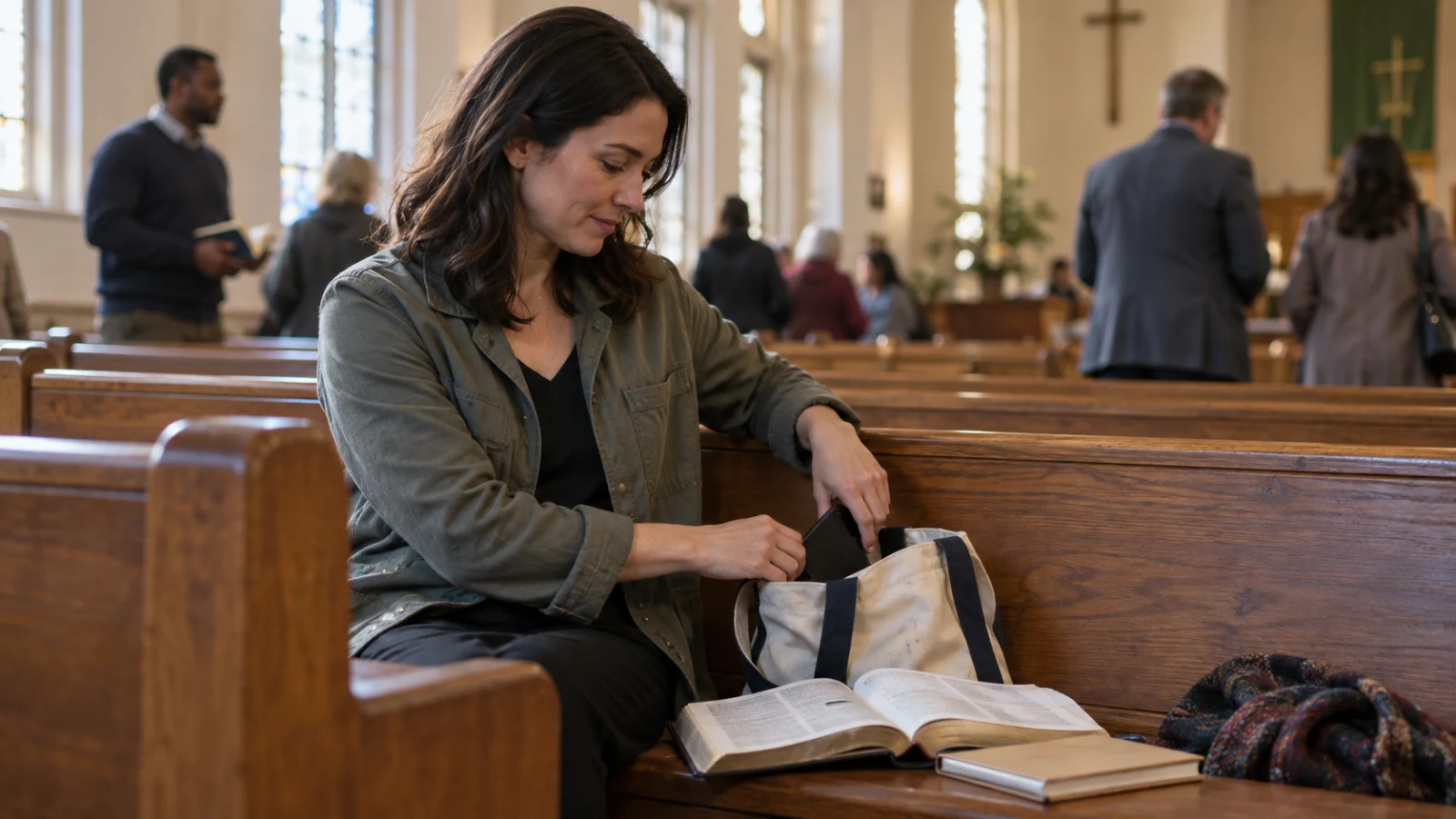
Give the phone one job before you walk in
Your phone may hold the passage, the church bulletin, your sermon notes, or a message from the person caring for your child. None of that makes the device unwelcome in church. The difficulty begins when the same screen is also carrying work mail, sports scores, group chats, and a feed that can open with one misplaced tap.
Choose the phone's role while you are still in the car park or foyer. If you brought a paper Bible and notebook, put the phone in a bag or coat pocket. If you need it for the service, open the exact passage or note first. This small decision removes several choices from the moment when your attention is already being asked for.
Make a Church Focus, not a total shutdown
On iPhone, a custom Focus can silence notifications while allowing selected people and apps. Apple also lets a Focus switch to a chosen Lock Screen or Home Screen and start on a schedule or at a location. That means you can keep a caregiver or family member reachable without leaving every app active.
Create a Focus called Church. Allow only the people who may genuinely need you during the service, plus any church, Bible, or notes app you plan to use. Choose a plain Home Screen page without social apps and hide silenced notifications from the Lock Screen. Test the setup with the person who might contact you before relying on it on Sunday.
Use one screen for Scripture or notes
Prepare a one-screen route. Open the day's Bible passage and create a blank note with the date before worship starts. Lower the brightness enough that the screen does not pull other people's eyes. Once the sermon begins, move only between those two places. A paper bookmark or the printed bulletin is a useful backup if the device keeps becoming the main event.
If you notice that you have opened messages or a feed, close it without turning the mistake into a verdict on your faith. Write one phrase from the sermon, place the phone face down, and listen for the next complete thought. Returning is the practice. You do not have to punish yourself for needing to return more than once.
Keep emergencies specific
Being reachable for everyone is not the same as being ready for an emergency. Decide who needs to get through and what they should do. A parent, babysitter, or on-call colleague can know that a call is appropriate, while ordinary messages can wait until the service ends.
If your role requires regular checks, choose a predictable moment and step into the foyer rather than checking every few minutes in the pew. This protects your attention and avoids a bright screen becoming someone else's distraction. It also makes the boundary honest: you are available for a defined responsibility, not for every update.
Do not read another person's screen as a verdict
Someone holding a phone may be reading Scripture, following an accessible service guide, translating a passage, taking notes, or handling a family need. You usually cannot know from the row behind.
Next Sunday, try a two-minute doorway routine: activate Church Focus, open the one thing you need, place the phone where it will stay, and pray one plain sentence such as, God, help me receive what is here. Colossians 3:2 invites Christians to set their minds deliberately. The phone setting does not create worship, but it can clear one path for your attention.
Let the liturgy, not the phone, lead
At Mass, the readings and the Church's spoken and sung prayer carry you into the Eucharistic mystery. If you use a phone for the readings, set it to the exact passage and keep the screen dim; a paper missal is often simpler. Do not use a prayer app as a substitute for attending Sunday Mass, receiving the sacraments, or asking a priest for help.
Before the next Sunday, decide where the phone will rest during the Liturgy of the Eucharist. If a genuine duty requires availability, arrange one specific caller and a quiet exit plan. Otherwise, place it away and let the silence before and after Mass remain free for thanksgiving.